Challenges With Legacy Managed File Transfer Solutions
Not sure if your managed file transfer solution needs an upgrade? Does your current MFT solution have:
If you answer “yes” to any of these following questions, it’s time for an upgrade to a secure, compliant, and modern managed file transfer solution.
Kiteworks Secure Managed File Transfer Solution:
Automate File-based Business Processes With Security and Compliance Built in by Default


Streamline and Secure Large-scale File Transfer Operations
Maximize end-to-end security with unique vault-to-vault transfers. Access data wherever it’s stored: in folders, file shares, repositories, and cloud stores. Trigger file transfers with scheduling, polling, or events, or start them manually. Onboard new trading partners and author MFT workflows simply and quickly. Finally, manage, monitor, and recover file transfers with a graphical operations dashboard.
Automate Secure and Flexible Business Processes
Automate virtually any file-based business process — across any protocol, any cloud, any enterprise system — without requiring developers or IT involvement for every workflow. Author, modify, and deploy complex workflows rapidly, leveraging graphical, drag-and-drop interfaces that require no coding to build workflows from an extensive library of 2,000 connectors and workflow functions. Distribute throughout your organization, but manage centrally.


Protect Your Data From Advanced Persistent Threats With a Hardened Virtual Appliance
Minimize your MFT’s attack surface by enclosing all system components in a hardened virtual appliance. Place a firewall around each server, default to most secure settings, shut off unnecessary ports, remove unnecessary code, and isolate traffic between tiers. Intrusion detection systems detect and alert on suspicious system modifications. Finally, one push of a button updates all the system components so organizations never miss a patch.
Set Granular Policy Controls to Prevent Data Breaches and Compliance Violations
Implement proper separation of duties and workflow-level access controls. Govern end-users with appropriate role-based permissions and set data access policies that regulate where data and metadata are stored. Link to a DLP system to block and log any sensitive transfers, use an ATP system to quarantine any potential malware, and introduce CDR to deliver only malware-free data. Finally, meet industry standards such as NIST 800-53, PCI DSS, and ISO standards with ease.
Explore Kiteworks Granular Policy Controls and Regulatory Compliance Capabilities


See All Data Entering and Leaving the Enterprise
Utilize the CISO Dashboard to understand, see, track, and report who’s transferring what to whom, when, where, and over what channel-not just MFT but also secure email, secure file sharing, secure web forms, and application programming interfaces (APIs). Detect suspicious activity and take action on data anomalies. Create custom dashboards and reports in a SIEM tool, or utilize the Kiteworks Splunk App. Finally, leverage these visibility and reporting capabilities to pass audits and comply with industry regulations.
Secure Managed File Transfer FAQs
Managed file transfer (MFT) is a software solution that helps organizations securely transfer information, typically large volumes of files on a scheduled, or recurring, basis. It enables an end-to-end file transfer process that supports secure file transfer between different systems and networks, or systems and people. Modern MFT solutions offer multiple features such as encryption, automation, and auditing to ensure secure file transfer. It also provides features to monitor, track, and control the transmission of sensitive files.
Secure managed file transfer refers to the process of securely and efficiently transferring files between systems, users, or organizations in a managed and controlled manner. Secure managed file transfer offers businesses a more secure option for managed file transfer. It’s specifically designed with the primary goal of protecting sensitive data against unauthorized access, data breaches, and compliance violations. It ensures data integrity, confidentiality, and compliance with various data privacy regulations and standards like PCI DSS, GDPR, HIPAA, and ISO 27001.
Managed file transfer (MFT) offers businesses several advantages over other forms of file transfer. These advantages include: increased security such as encryption and authentication; automation that saves time and money by streamlining processes; centralized management to maintain visibility and control over file transfers from a centralized platform; comprehensive audit logs that record all user activities; improved scalability so organizations can easily increase their file transfer capacity and throughput, enabling them to accommodate greater amounts of file transfers and data.
Managed file transfer (MFT) software solutions use a variety of security measures to protect data, including secure protocols, encryption, and authentication. In addition, access controls ensure that only authorized users can access the data. Depending on the platform, additional features like audit tracking, monitoring and alerting, and automated workflows may also be available.
Yes, many managed file transfer (MFT) solutions are designed to be compatible with existing systems and infrastructure. Depending on the solution and your specific requirements, managed file transfer can be used to securely transfer data between systems, or to integrate with existing workflows and processes.
Featured Resources
Capability Brief: Secure Managed File Transfer (MFT) 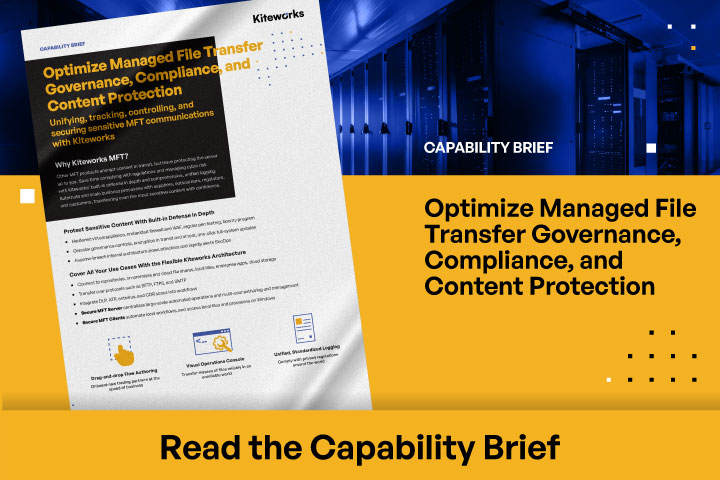
Capability Brief: Secure Managed File Transfer (MFT)
Top 5 Advantages of Kiteworks Secure Managed File Transfer Capabilities Over Axway MFT 
Top 5 Advantages of Kiteworks Secure Managed File Transfer Capabilities Over Axway MFT
Kiteworks Snackable Bytes: Secure Managed File Transfer 
Kiteworks Snackable Bytes: Secure Managed File Transfer
Kiteworks Secure Managed File Transfer: The Most Advanced MFT Solution Available 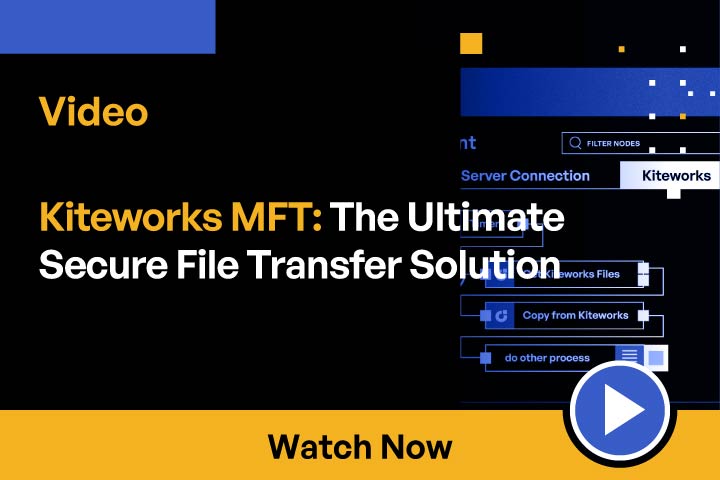
Kiteworks Secure Managed File Transfer: The Most Advanced MFT Solution Available
Top 5 Document — Top 5 Reasons to Migrate Off MOVEit to Kiteworks 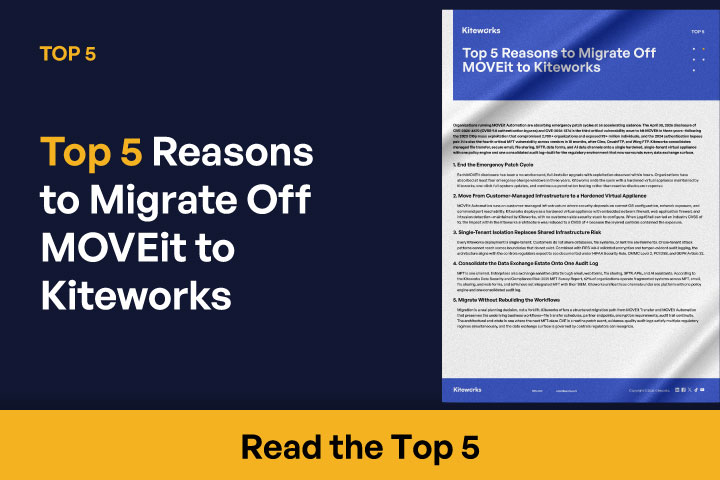
Top 5 Document — Top 5 Reasons to Migrate Off MOVEit to Kiteworks
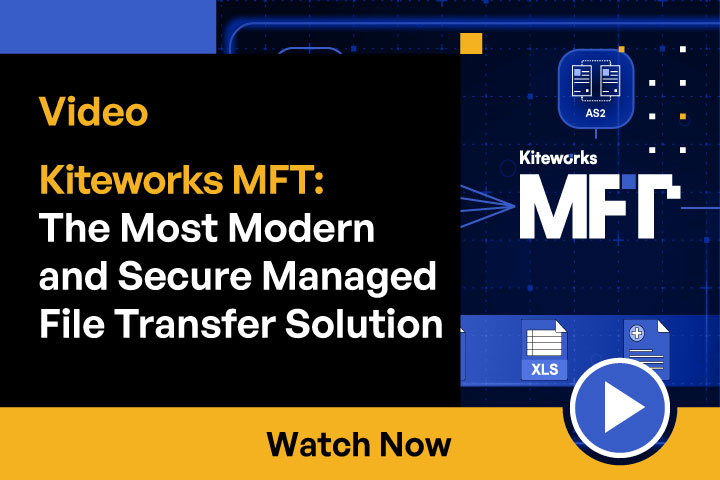
Kiteworks MFT: The Most Modern and Secure Managed File Transfer Solution